

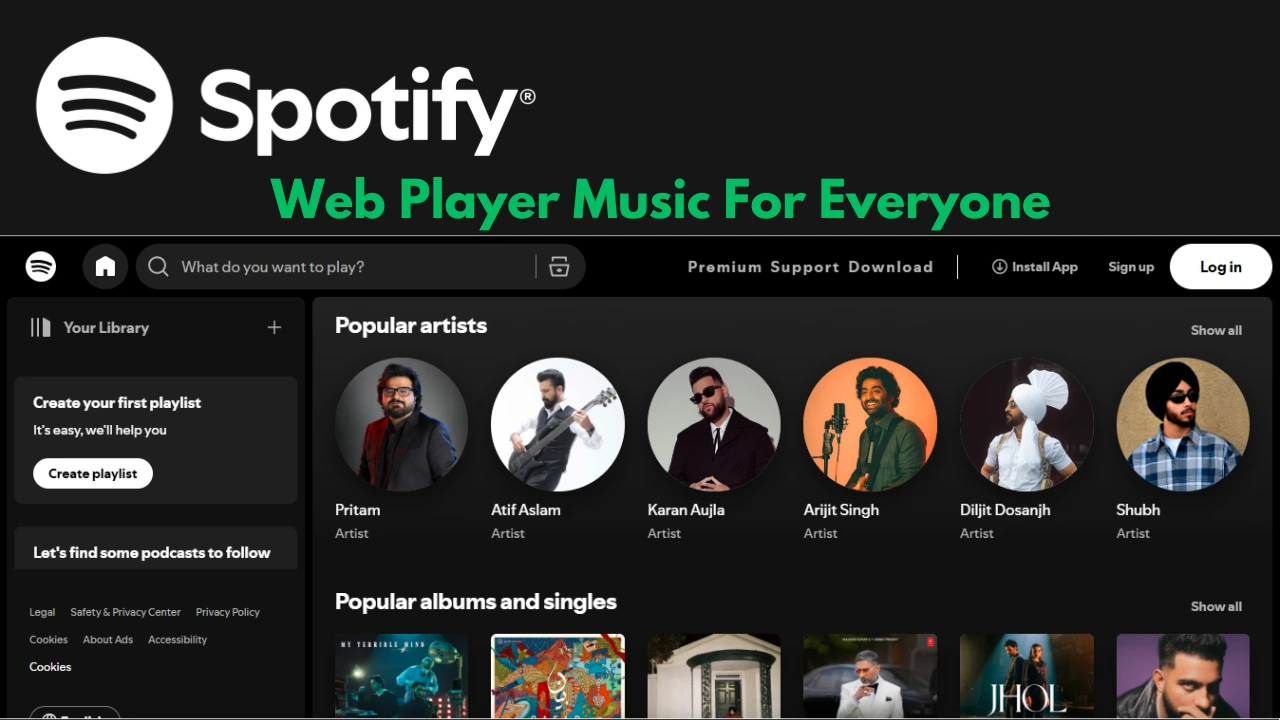
Spotify Web Player is the browser-based gateway to millions of songs, podcasts, and audiobooks. Without needing to install an app, you can simply open a tab and enjoy streaming. Designed for accessibility, it offers a streamlined experience for both Free and Premium users.
What Is Spotify Web Player?
Spotify Web Player is an online version of Spotify that works directly through modern browsers. It allows users to stream content, manage playlists, follow artists, and even access synced lyrics. The interface closely resembles the desktop and mobile app, making navigation seamless.
Supported Browsers and Access
Spotify Web Player works on the latest versions of:
- Google Chrome
- Mozilla Firefox
- Microsoft Edge
- Apple Safari
To use it, log in with your Spotify account, and you can immediately access your playlists, library, and recommended music. If playback fails, it’s usually because DRM settings need to be enabled in your browser.
Audio Quality on the Web
Unlike mobile and desktop apps, Spotify Web Player has fixed audio quality:
- Free users stream at 128 kbps (AAC)
- Premium users stream at 256 kbps (AAC)
Podcasts stream at around 128 kbps on the web, ensuring consistent playback quality. Unlike the app, you can’t manually adjust quality levels here.
Features Available on Spotify Web Player
Universal Content Access
- Over 100 million songs
- Millions of podcasts
- Expanding audiobooks collection
Playlist & Library Management
You can:
- Create and edit playlists
- Browse albums and artists
- Access recently played tracks
- Like and save songs to your library
Playback and Queue
- Add songs to the queue
- Reorder upcoming tracks
- Repeat or shuffle playback
Lyrics and Visuals
Many tracks display synced lyrics in real time. Some podcasts and music videos can also be streamed directly in the player.
Spotify Connect
Spotify Web Player supports device switching. You can start playback in the browser and transfer it instantly to a smart speaker, console, or mobile device.
Limitations of the Web Player
While powerful, the Web Player doesn’t include every feature:
- No offline downloads (Premium users must use the app)
- No support for local music files
- Limited settings compared to the desktop version
- Fixed streaming quality
Upcoming Enhancements
Spotify has teased new upgrades, including lossless streaming at CD quality and beyond. This would make Spotify Web Player competitive with hi-fi streaming services. Rumors suggest this may arrive as part of a new “Music Pro” plan.
Tips for a Better Experience
- Install as PWA: Add the Web Player to your desktop as a Progressive Web App for a native feel.
- Enable DRM: Make sure digital rights management is active in your browser for error-free playback.
- Use Private Sessions: Perfect if you don’t want your listening to influence recommendations.
- Keep Browser Updated: Ensures smooth performance and compatibility with new Spotify features.
Comparison: Web Player vs App
| Feature | Web Player | Desktop/Mobile App |
|---|---|---|
| Music Quality | 128 kbps Free / 256 kbps Premium | Up to 320 kbps Premium |
| Offline Downloads | No | Yes (Premium only) |
| Local File Support | No | Yes |
| Audiobooks | Yes (purchase + 15 hrs Premium) | Yes |
| Private Sessions | Yes | Yes |
Conclusion
Spotify Web Player embodies the slogan “Music for Everyone” by making the streaming experience accessible to anyone with a browser. From synced lyrics and playlists to Connect and podcasts, it delivers almost everything the app offers—without installation. While it has limitations like no offline listening and fixed quality, its simplicity and accessibility make it an essential tool for casual and active Spotify users alike.
Frequently Asked Questions
1. Can I use Spotify Web Player on my phone?
Yes, but it’s optimized for desktop. Mobile users should prefer the Spotify app for the best experience.
2. Does Spotify Web Player support offline mode?
No. Offline downloads are available only in the desktop and mobile apps for Premium users.
3. How do I fix playback errors on the Web Player?
Enable DRM in your browser settings and make sure your browser is updated.
4. What audio quality does the Web Player provide?
Free users get 128 kbps, Premium users get 256 kbps AAC streaming.
5. Can I access audiobooks in Spotify Web Player?
Yes, both Free and Premium users can purchase audiobooks. Premium includes 15 hours monthly.
6. Is Spotify Web Player free?
Yes. Anyone with a free Spotify account can use it, though ads will play between tracks.
7. Will Spotify Web Player get hi-fi audio?
Yes, Spotify has confirmed plans to introduce lossless audio, which will extend to the Web Player.
